

Introduction
No doubt, you have designed your store with tempting themes, provided better content, launched top-quality products, and made everything structured. But if search engines cannot properly understand, crawl, or prioritize your pages, your products may struggle to appear in the search results where potential customers are looking.
This is where Shopify SEO and store optimization become important.
Ranking your Shopify store isn’t about adding detailed keywords everywhere and finding one secret trick for ranking: it is about optimizing your store to make it useful for customers, easy for search engines to understand, technically healthy, and regularly maintained.
So, today in this guide, you will learn factors that affect your Shopify ranking and also get to know some practical steps you can take to optimize your store.
What Is Shopify Ranking and Why Does It Matter?
Shopify ranking refers to where your store’s pages appear in search engine results for relevant queries. Let’s understand with a simple example:
- When someone searches for the ‘best skateboards for beginners’, your products or collection may appear somewhere in search results, or it may not appear at all.
Before understanding it further, let’s clarify one thing: indexing and ranking are different things:
- Crawling: Search engines visit pages to discover and read their content.
- Indexing: Search engines analyze the page and may store its information in their index.
- Ranking: When someone searches for something, search engines decide which relevant pages to show and in what order.
Getting your Shopify product indexed doesn’t guarantee higher rankings. Google follows different processes for crawling, indexing, and serving relevant pages in search results. You can learn more about these processes in Google’s official guide to how Search works.
Ranking matters most for your Shopify store. Here is how:
- Higher ranking allows you to appear prominently in search results.
- May increase your sales.
- May increase trust.
- Higher organic rankings can help your store attract relevant visitors without paying for every click, potentially reducing your dependence on paid advertising.
Although ranking isn’t permanent, when your competitor gives search engines good content, quality products, and structured information, they will rank them higher in results.
Key Factors That Affect Shopify Rankings
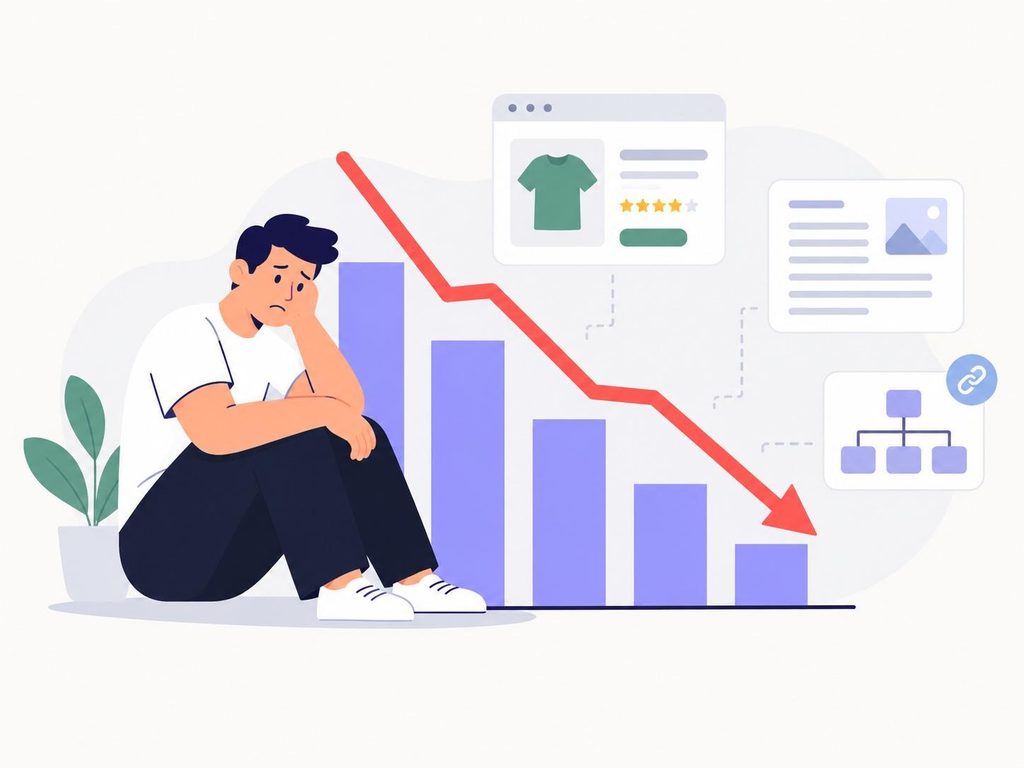
There is not only one or two factors that affect your Shopify ranking; there are various factors discussed below:
- Page Content
Your store’s pages should have accurate and informational content, as it helps both users and search engines to understand your store effectively. While copied, duplicate, or irrelevant content on the pages may have less value than the original content.
- Product Page Quality
Your product page should be well-structured and well-designed, and describe how your product actually works and showcase its features, benefits, and functionality. Poor page quality may affect user experience and overall customer trust.
- Site Structure and Internal Linking
Search engines have to understand your store and identify how your products relate to each other. So, keep the site structured with better interlinking to help search engines better understand.
- Page Speed and Mobile Experience
Users expect faster loading times and a smoother experience of the store or website, especially on their mobiles. So, keep it scalable and advanced, because poor user experience can affect Shopify ranking.
- Schema and Structured Data
Schema markup helps search engines understand specific information about your products, such as prices, availability, and ratings. Accurate structured data can make pages eligible for certain rich results, but it does not directly guarantee better rankings.
- Technical SEO
Sometimes, a few issues come up as a hindrance to ranking and indexing. The issues include: broken links, accidental noindex tags, incorrect canonical URLs, or blocked pages.
- Page Information
Information like pricing, description, availability, reviews, and ratings can change over time, so keep them up to date. Because outdated information may damage brand reputation and trust.
How to Optimize Your Shopify Store for Better Rankings
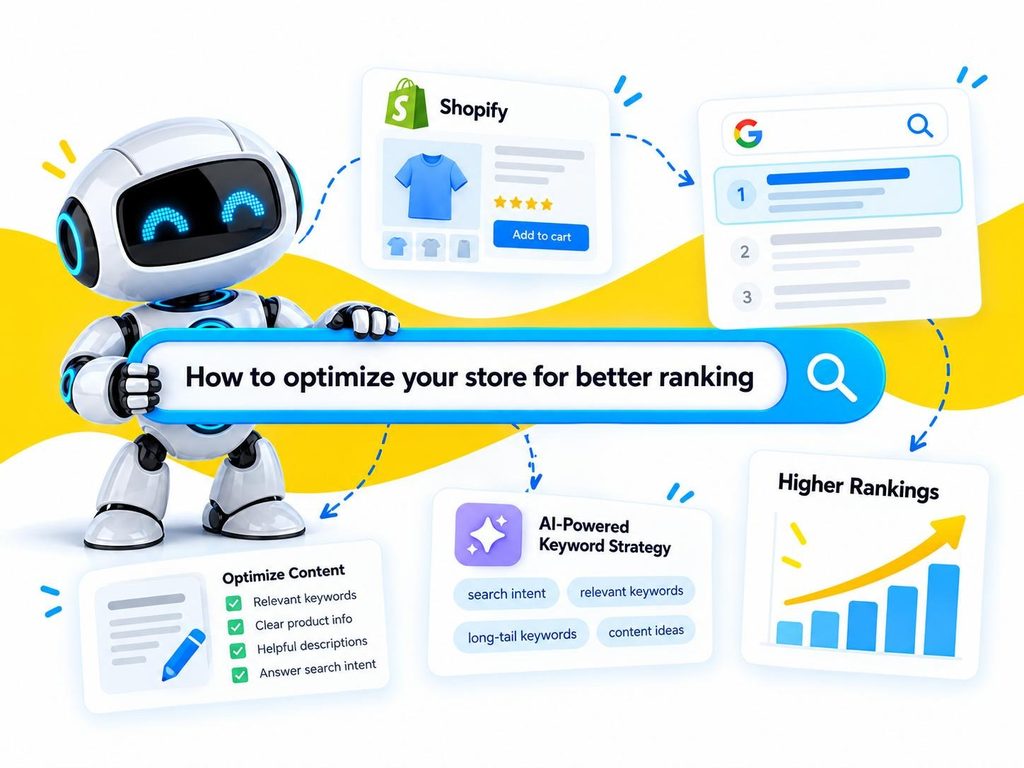
Now, after discussing what affects ranking, let’s discuss how you can optimize your store for better Shopify rankings:
- Choose Keywords Based on Search Intent
Before optimizing your Shopify pages, identify what your potential customers are actually searching for.
For example, someone searching for “best skateboards for beginners” may be looking for a comparison or buying guide, while someone searching for a specific skateboard model may be ready to explore a product page.
Use relevant keywords naturally and match each page to the user’s intent. This helps you create content that answers the right questions instead of adding the same keywords across every page.
- Optimize Product Pages
- Write engaging and clear product titles so that users and search engines can understand what exactly the product is. For example: don’t write ‘Polo T-shirt ’; instead, write ‘Men’s Organic Cotton Classic T-Shirt’.
- Explain everything in product descriptions, like what the product actually does, its features, benefits, limitations, functioning, and even its specifications. With all this information, search engines can understand products easily, while users can make precise decisions.
- Optimize product images by using descriptive image filenames and appropriate alt text. Compress and properly size product images so they load efficiently without unnecessarily sacrificing quality.
- Keep product information accurate, whether it is about price, availability, ratings, reviews, or description; everything should be accurate and up-to-date.
- Improve On-Page SEO
On-page is very crucial for better rankings, as it allows search engines to understand the purpose of each page.
- You must optimize the title tags, ensure they are relevant to the page, and describe the page intent. Also, if keywords and the primary topic can be fit naturally, then it will be appropriate.
- Use clear meta descriptions that briefly explain what users can expect from the page. It doesn’t directly affect ranking, but a clear and engaging description makes the overall page appealing to users.
- Use clear headings to organize your page. Keep the main heading clear and more relevant, describing the overall page context. The secondary heading must break the overall information into smaller sections.
- Keep URLs SEO friendly, simple, and descriptive. Avoid making complicated and unwanted URLs that make the page harder to understand.
- Avoid keyword stuffing and try to add keywords naturally. This will increase both user retention and enhance the understanding flow of search engines and users. When you stuff keywords unnaturally, it may affect user engagement as well as search engine ranking.
- Optimize Site Structure and Navigation
A clear site structure is very crucial for an online store, as it helps search engines and users to easily navigate products and pages.
- Build clear navigation that makes important categories easy to find.
- Make organized and relevant collections so that products remain in the relevant category instead of confusing or unnecessary categories.
- Build internal links clearly, and link relevant blogs, products, and collections together, so that both users and search engines can find the relevancy.
- Improve Page Speed and Mobile Experience
Shopify store speed matters a lot, as users and search engines mostly value pages that load smoothly and render everything smoothly.
- Optimize large images, as these images take more time to load. Try to resize or compress large images while keeping the original quality of the image.
- Review your installed Shopify apps and identify whether any are loading unnecessary scripts or resources that affect your store’s performance. Remove unused apps and review leftover theme code where necessary.
- Remove unwanted code and scripts in the store. Sometimes themes accumulate unnecessary code and scripts that slow Shopify store performance.
- Optimize for mobile because most of the shoppers use mobile phones today for buying. So, check whether images are loaded properly, fonts are clearly visible, and the layout of the store is efficient for mobile.
Shopify also recommends reviewing unnecessary app scripts, optimizing images, and reducing resources that can slow down your storefront. You can follow Shopify’s official website performance guide to identify areas that need improvement.
- Keep Schema Markup Clear
Schema markup, also called structured data, is very important for Shopify stores as it may help search engines and AI platforms to understand your store.
The crucial information of the Shopify store should remain accessible for search engines with up-to-date data, and schema does this. It gives search engines more context about information like:
- Price
- Availability
- Product name
- Ratings
- Reviews
- Brand
However, schema isn’t a ranking button; it just helps search engines to interpret the information more easily. You still need other SEO strategies for better ranking.
According to Google’s structured data guidelines, correctly implemented structured data can make eligible pages appear with special search features, but it doesn’t guarantee rich results.
- Keep Store Content Fresh
Your store isn’t a stable website; you have to change its content based on market prices, customer demand, inventory availability, and seasonal trends. So, you need to keep its content up to date, as search engines and users don’t want confusing or incorrect information on the store.
Regularly review these:
- Product descriptions
- Product availability
- Prices
- Collection pages
- Blog posts
- Internal links
- Outdated products
- Broken URLs
How to Optimize Shopify Ranking for AI-Powered Search
Search is changing.
Traditional search generally gives users a list of webpages, while AI-powered search can summarize information and provide direct answers or recommendations.
That means Shopify merchants now have another consideration: AI search visibility.
Now optimizing for AI search has also become crucial, but it doesn’t mean you have to abandon traditional Shopify SEO.
In fact, Google’s guidance on AI search features explains that existing SEO best practices remain relevant to its AI-powered search experiences. You don’t need a completely separate SEO strategy just to appear in Google’s AI search features.
These foundational factors still matter:
- Clear product information
- Useful content
- Accurate structured data
- Strong internal linking
- Crawlable pages
- Consistent information
- Good technical SEO
You just need to take these measures for better AI visibility:
- Make product information easy to understand
- Keep information consistent
- Use structured data
- Create helpful content
Basically, you need to build a strong, trustworthy, and reliable Shopify store that is not only helpful for users but also easy for machines to interpret.
How to Track and Improve Your Shopify Rankings
To measure your store, Google Search Console is a useful tool that helps you to understand how your store performs in searches.
You must pay attention to:
- Clicks: You can see how many users clicked your pages from search results.
- Impressions: How many times your page appears in search results.
- Click-Through Rate: The percentage of people who clicked your website link after seeing it in Google’s organic search results.
Apart from these, you should also monitor indexing and any other technical issues that somehow become a hindrance to ranking.
This helps you to solve problems before they become a big issue for users and your store as well.
Conclusion
Improving your Shopify store’s ranking isn’t about finding one decisive fix; it requires multiple elements working together: useful content, a strong site structure, solid technical health, good page speed, and accurate schema.
You need to monitor your store, products, content, and customer behavior constantly, rather than treating optimization as a task you complete once and move on. Better rankings come from consistency and ongoing effort, not from a single SEO trick.
However, monitoring and managing your store with all these tasks is quite complicated without an all-in-one or automated tool. That’s where a Shopify SEO app like InstaIndex can help automate and simplify several technical SEO tasks, reducing repetitive work so you can focus on broader SEO and store-growth strategies. But make sure your other SEO strategies and must-do tasks work alongside it, as these are also crucial.
FAQs
- What is Shopify SEO?
- Shopify SEO is the process of optimizing your Shopify store, products, content, and technical elements so search engines can better understand your store and show its pages in relevant search results.
- How can I improve my Shopify ranking?
- You can improve your Shopify ranking by optimizing product pages, using relevant keywords naturally, improving site structure and internal linking, increasing page speed, making your store mobile-friendly, keeping content updated, and maintaining accurate schema markup.
- Does schema markup improve Shopify rankings?
- Schema markup does not guarantee higher rankings. However, it helps search engines understand important product information such as price, availability, ratings, and reviews, supporting your overall Shopify SEO efforts.
- Why are my Shopify products not ranking on Google?
- Your products may not rank because of weak or duplicate content, poor internal linking, technical SEO issues, slow page performance, inaccurate structured data, or strong competition for your target keywords.
- How important is page speed for Shopify SEO?
- Page speed is important because users expect pages to load quickly and work smoothly. Improving your store’s performance can create a better user experience and support your overall SEO efforts.
- How does internal linking help Shopify SEO?
- Internal linking connects your products, collections, blogs, and other pages. It helps users navigate your store while giving search engines more context about how your pages are related.
- How often should I update my Shopify store content?
- You should regularly review your store, especially when product prices, inventory, descriptions, collections, or market conditions change. The goal is to keep important information accurate and relevant.
- How can InstaIndex help with Shopify SEO?
- InstaIndex is a Shopify SEO app that helps merchants manage several technical SEO tasks, including IndexNow submissions, schema markup, 404 monitoring, real-user performance monitoring, and AI search visibility tracking. These features can reduce repetitive manual work and help merchants monitor important areas of their store’s technical SEO.
- Can InstaIndex improve my Shopify ranking automatically?
- InstaIndex can help manage and automate certain SEO-related tasks, but it cannot guarantee higher rankings on its own. Your content quality, site structure, technical SEO, product information, and overall SEO strategy still play an important role.
- Does Shopify SEO help with AI search visibility?
- Yes. Many Shopify SEO fundamentals can also support AI search visibility. Clear product information, helpful content, accurate structured data, strong internal linking, crawlable pages, and consistent information can make your store easier for AI-powered systems to understand.
Leave a Reply